Book Submission Workflow
- Add Book Details
- Add Content
- Add Legal Information
- Add Financial Details
- Optional Expedited Payment
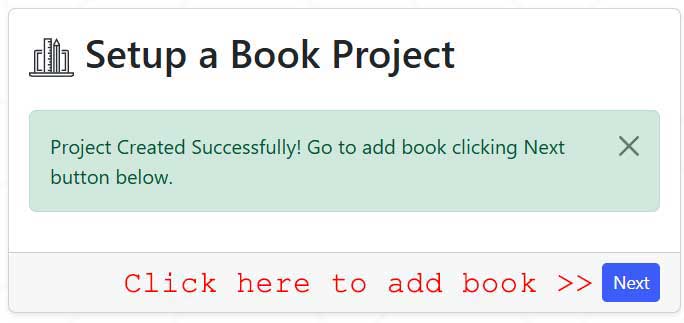
You can do it by clicking on the Next button now:
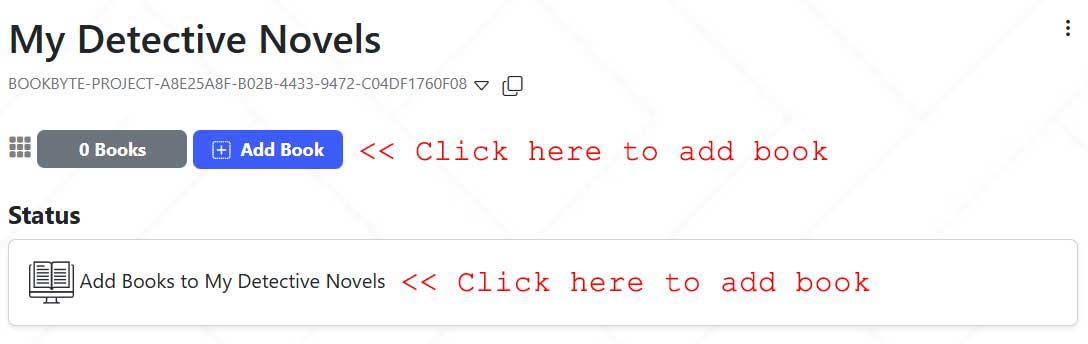
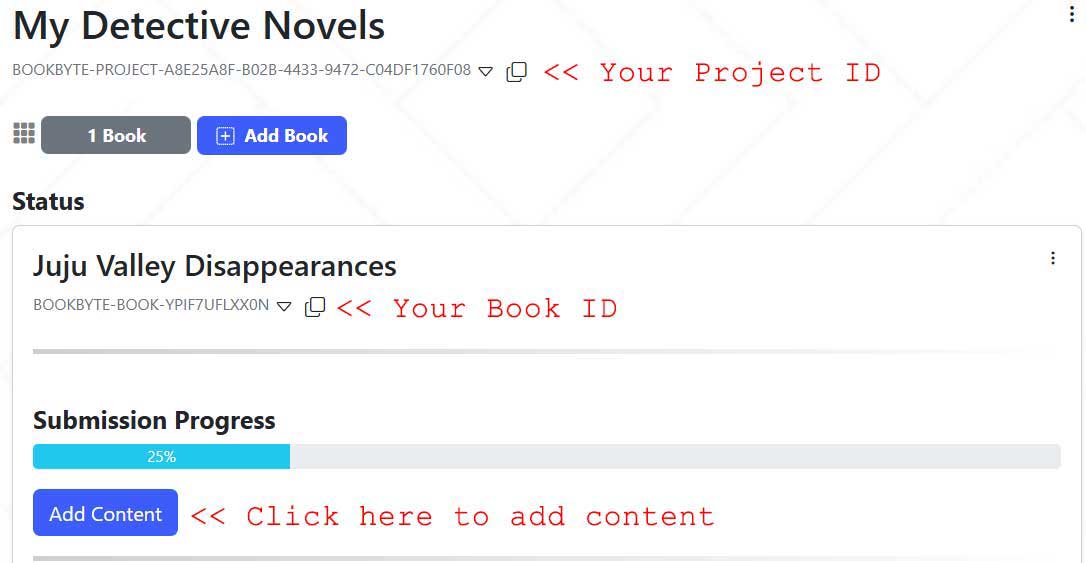
Or you can add later by visiting your project page:
- Add Book Details:
- Add Content:
- Add Legal Information
- Add Financial Details
- Optional Expedited Payment
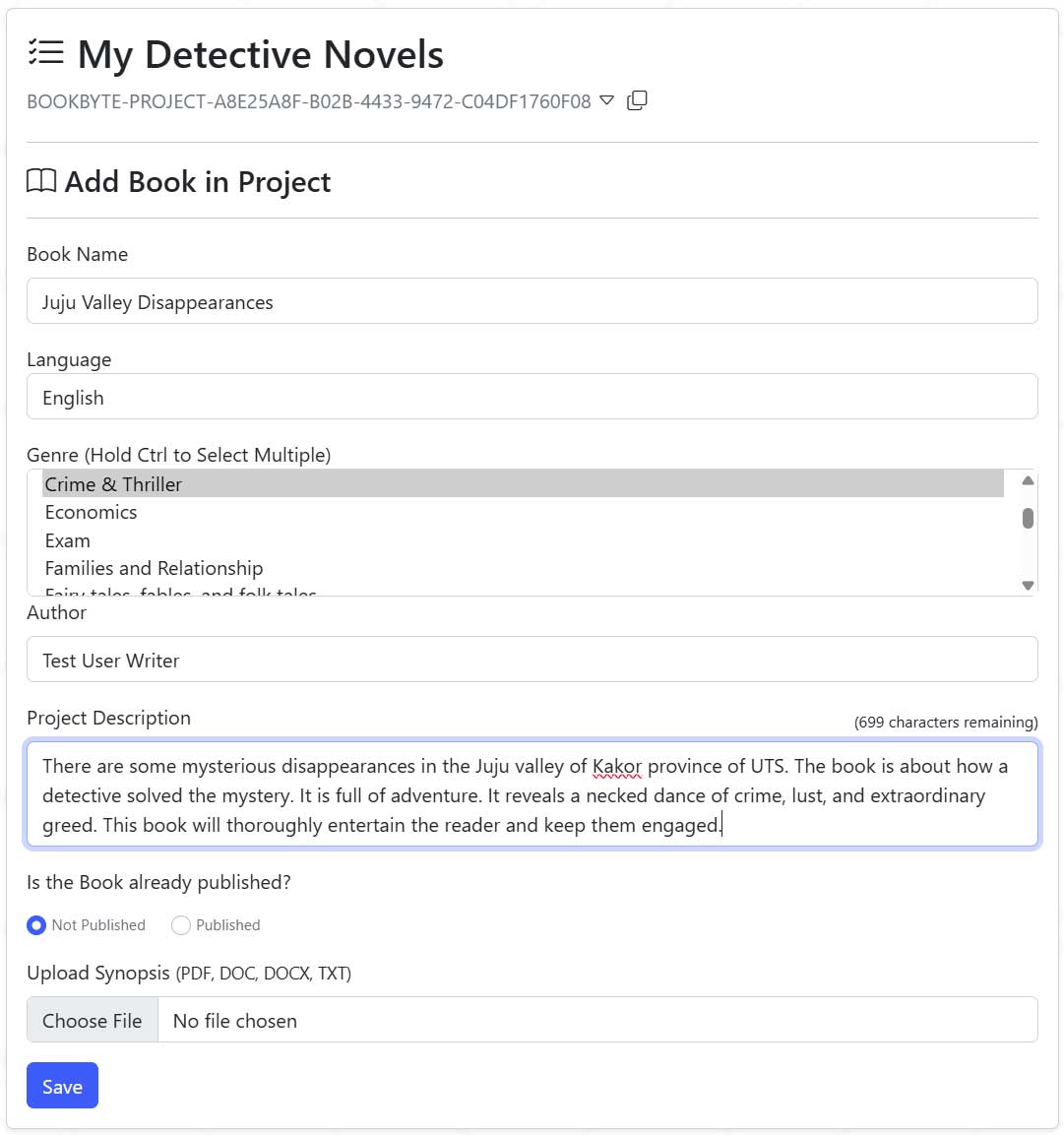
After clicking Save, you will see following screen:
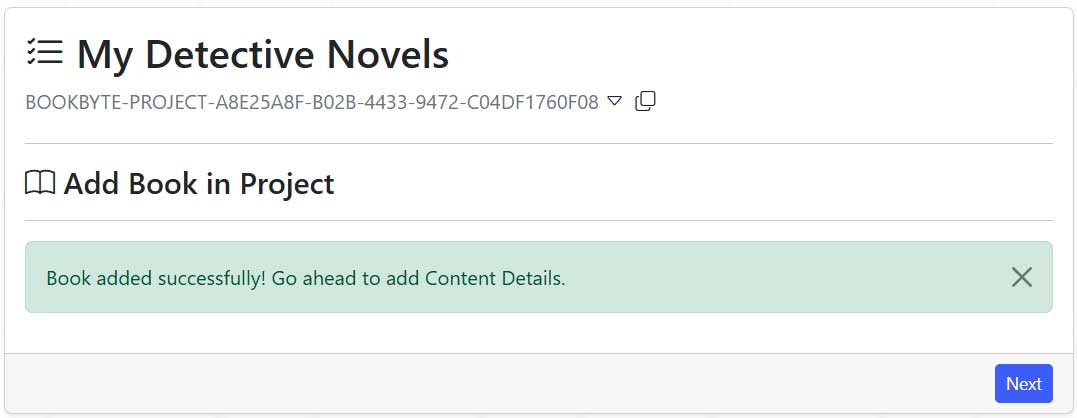
You can do it by clicking on the Next button shown above. Or by visiting your project page:
Add content form:
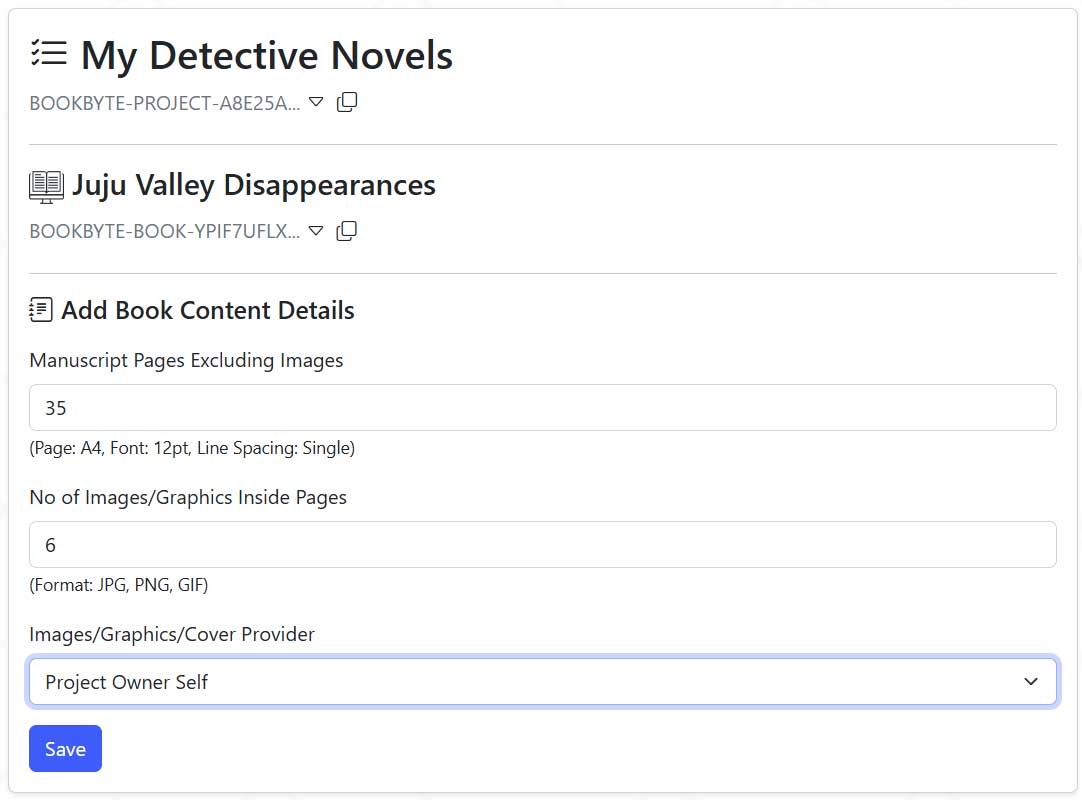
After clicking Save, you will see following screen:
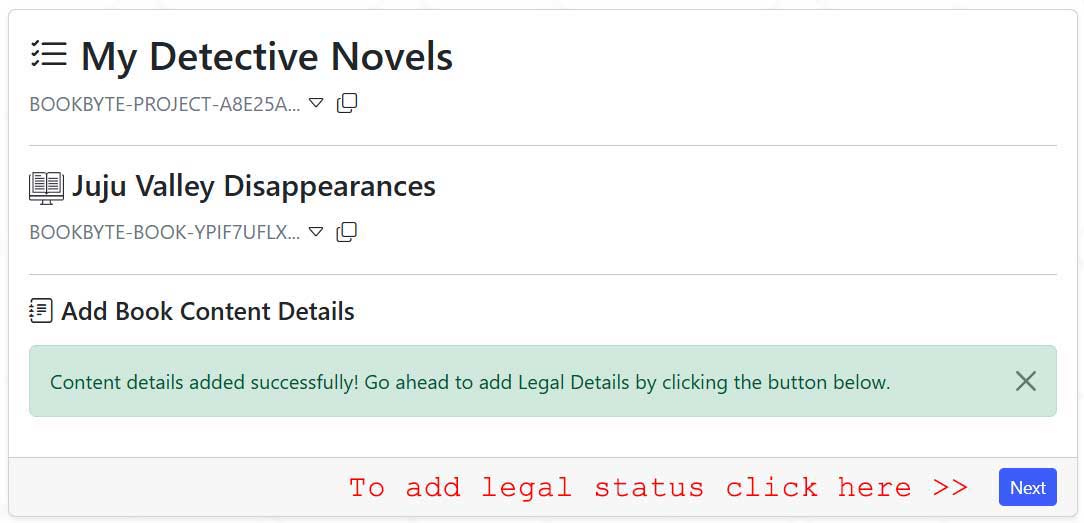
You can do it by clicking on the Next button shown above. Or by visiting your project page:
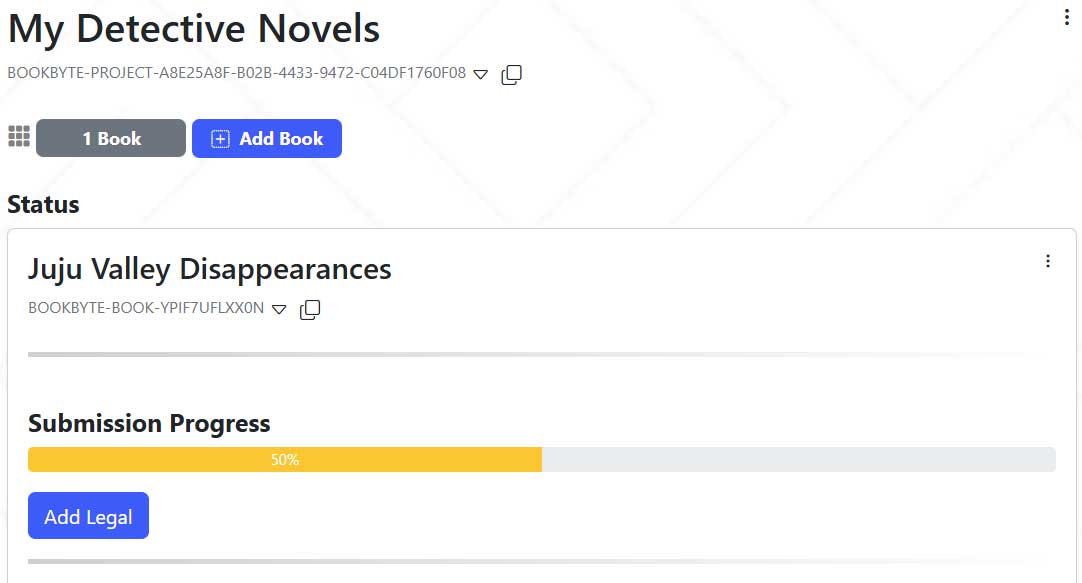
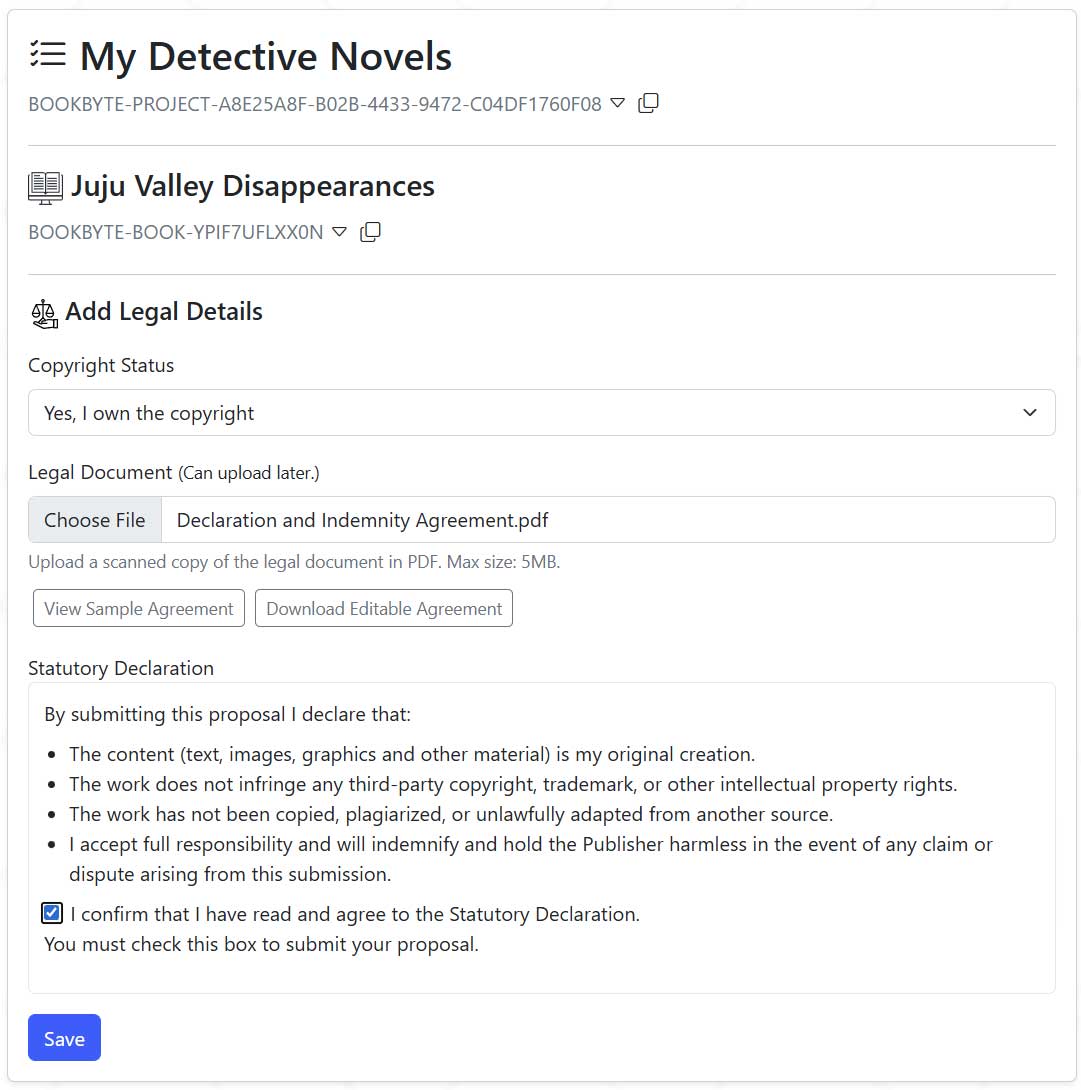
Add Legal Information form:
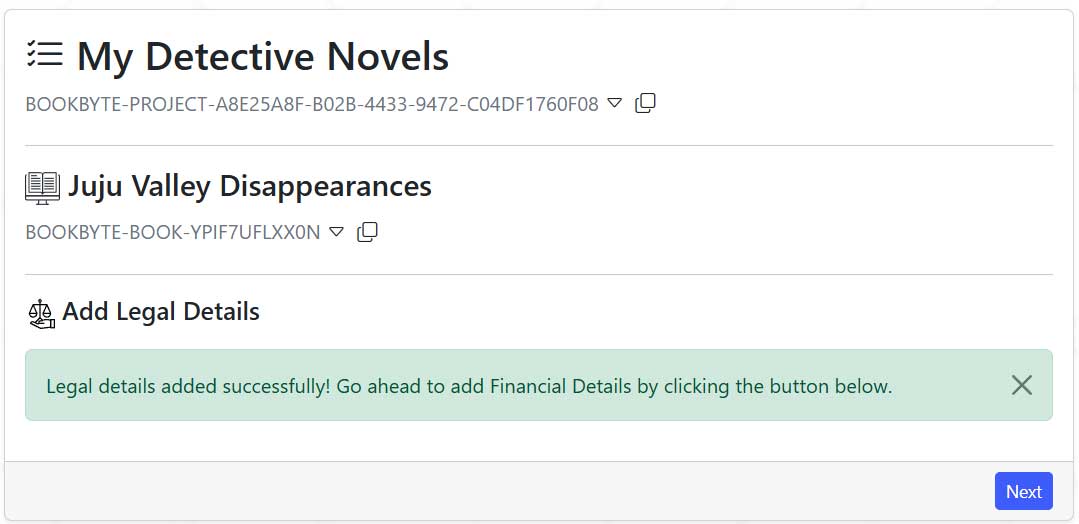
After clicking Save, you will see following screen:
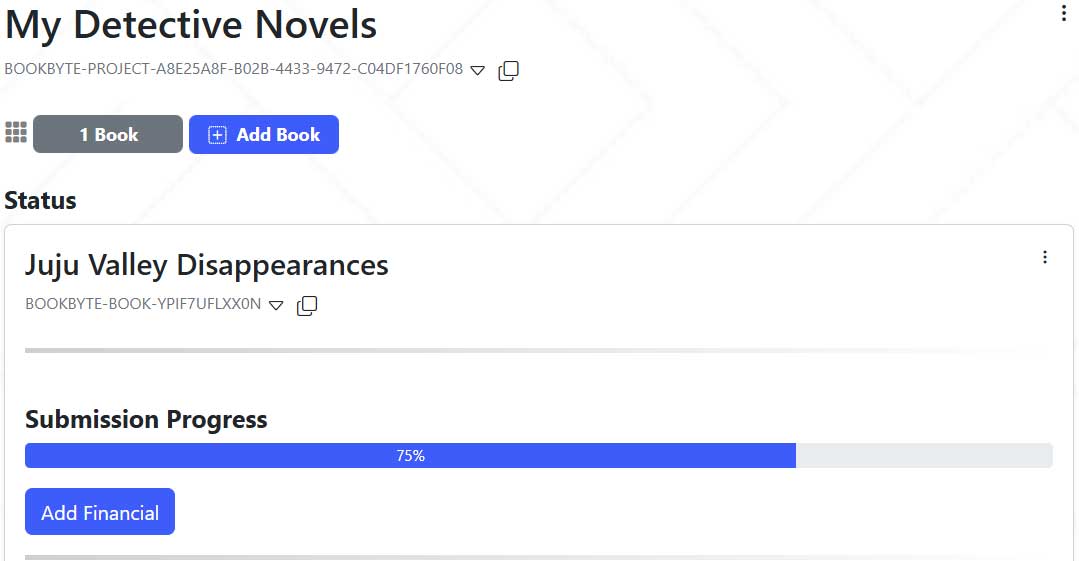
You can do it by clicking on the Next button shown above. Or by visiting your project page:
Add Financial Details form:
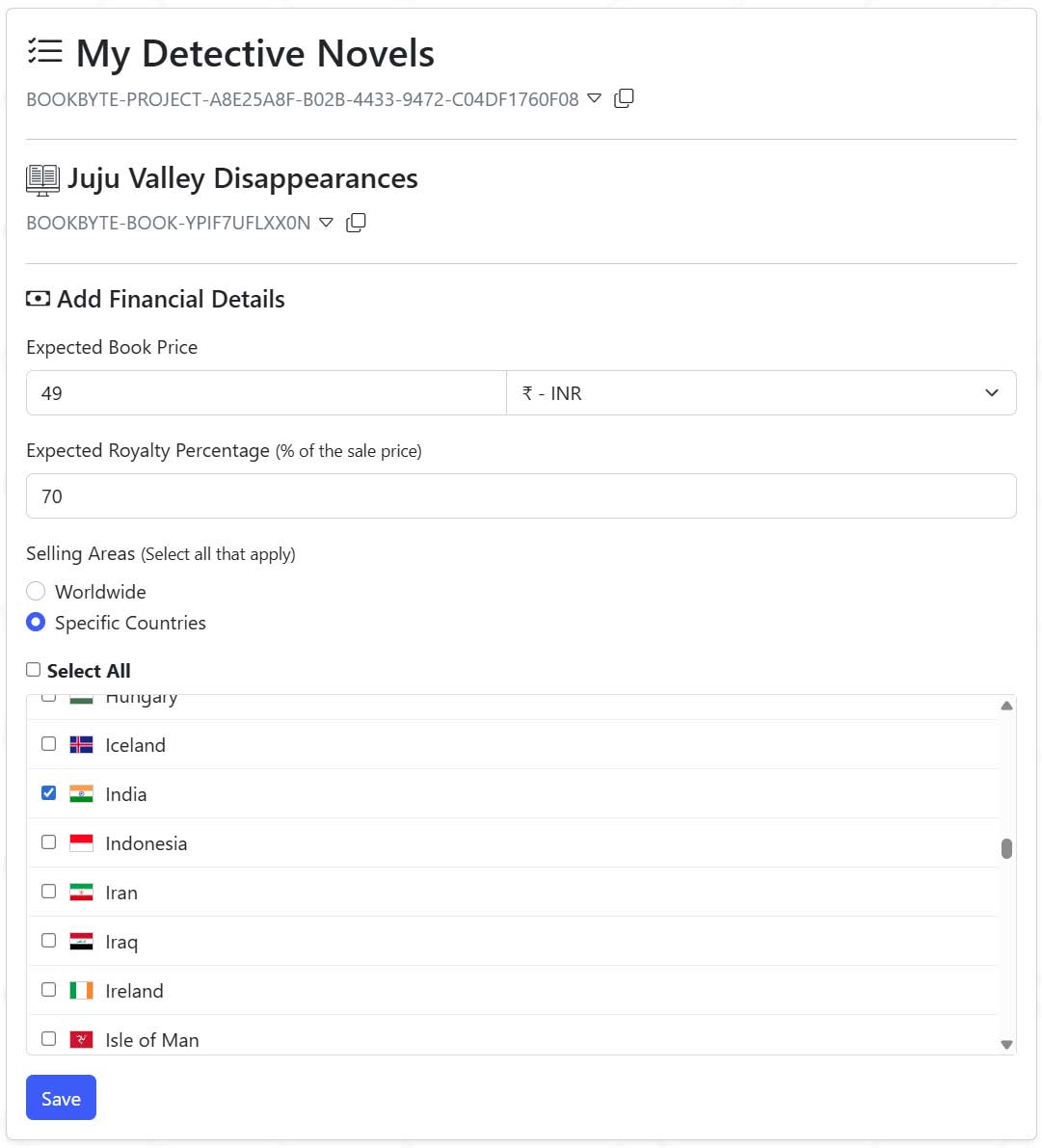
After clicking Save, you will see following screen:
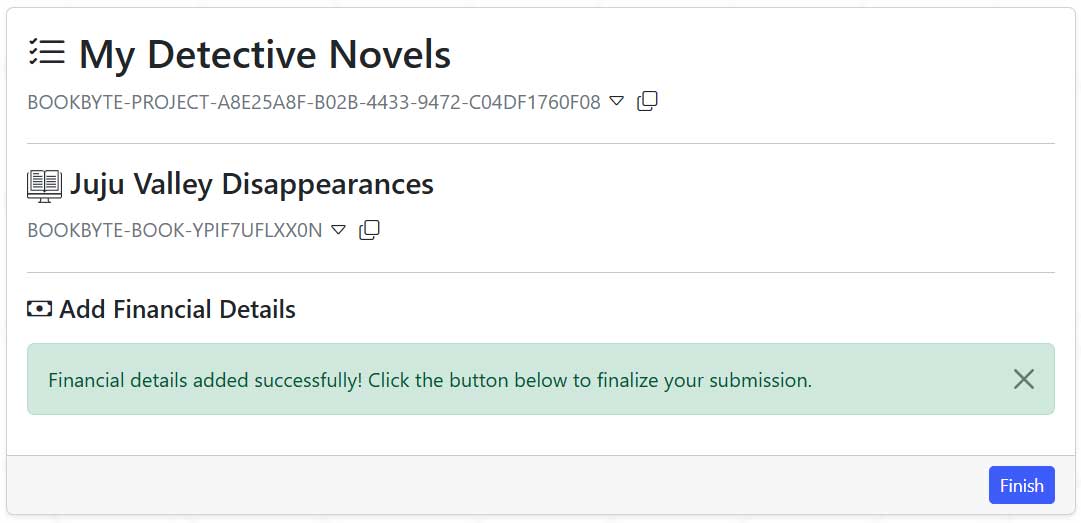
It is now time to make an optional payment for the book.
Pay to expedite your book review process. Let us focus on our job what we are good at, rather than money...You can do it by clicking on the Finish button above or by visiting your project page:
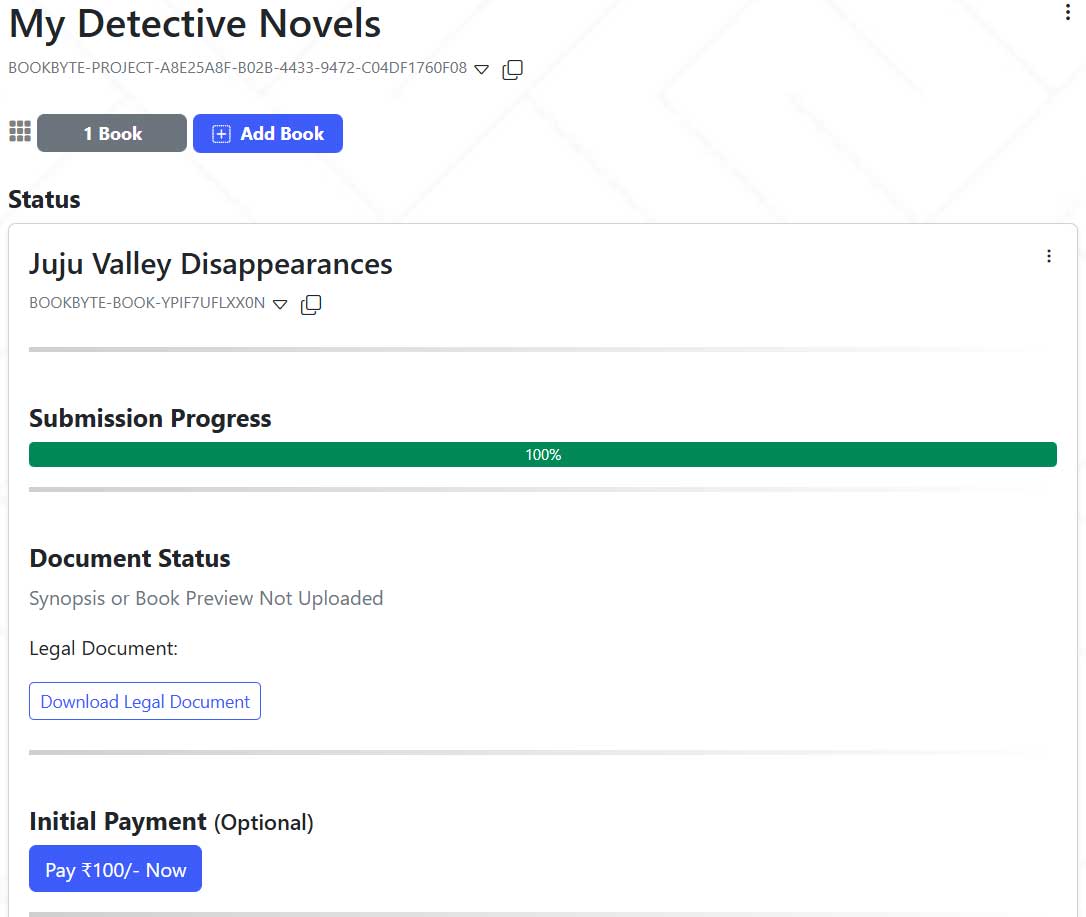
Expedited Payment link:
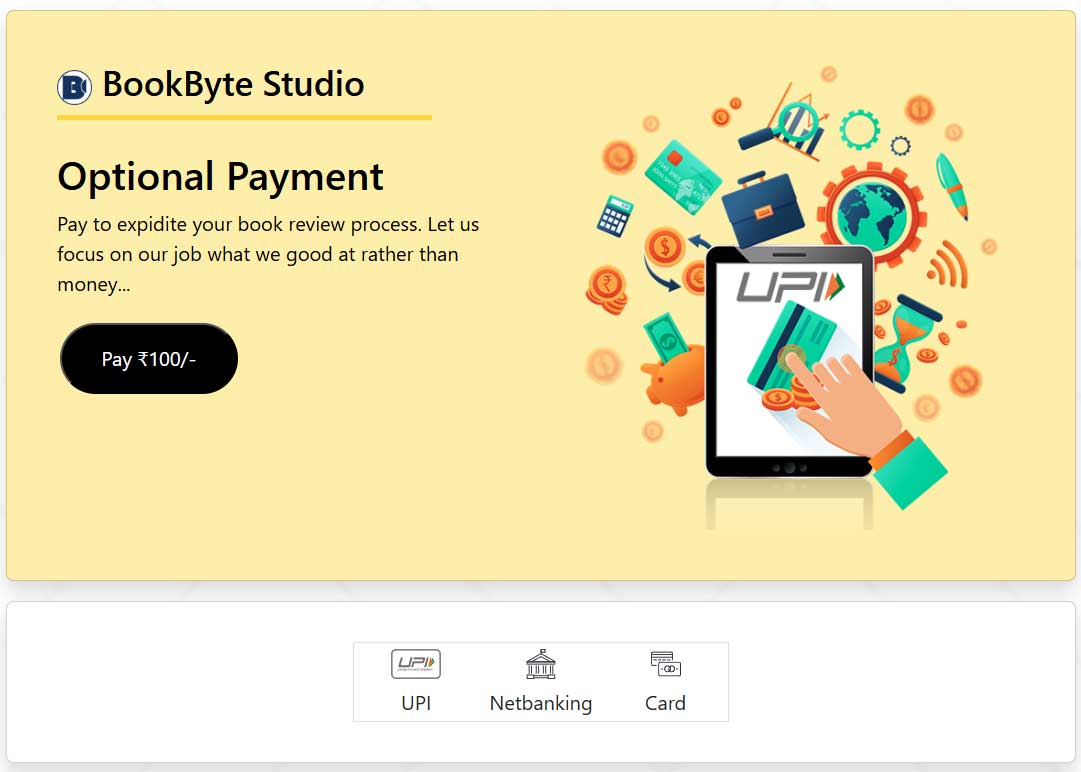
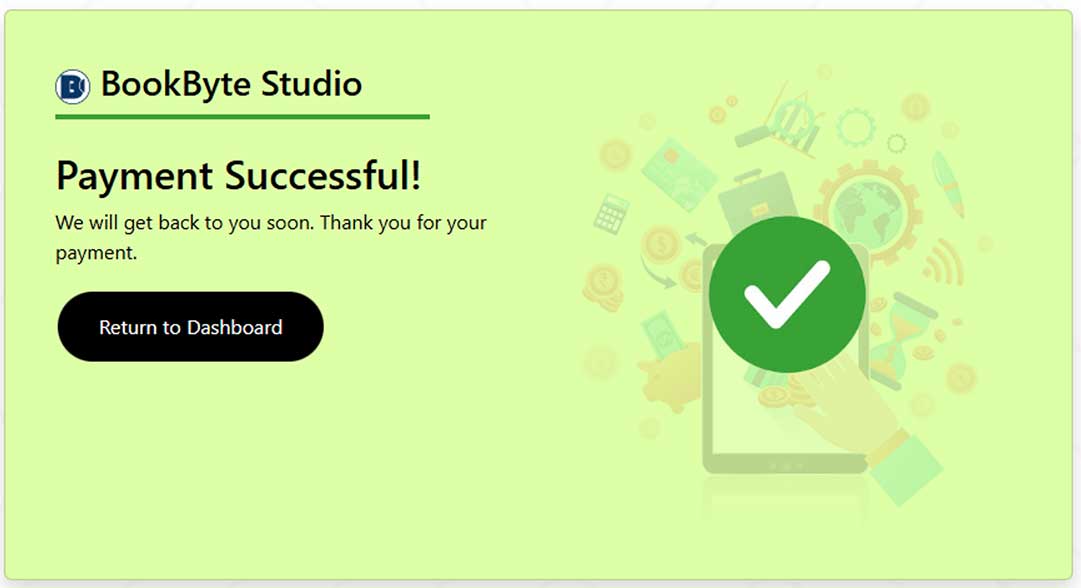
After successful payment: