Create a Project
After your registration, you can submit your book proposal. After logging in, visit the Project Dashboard.
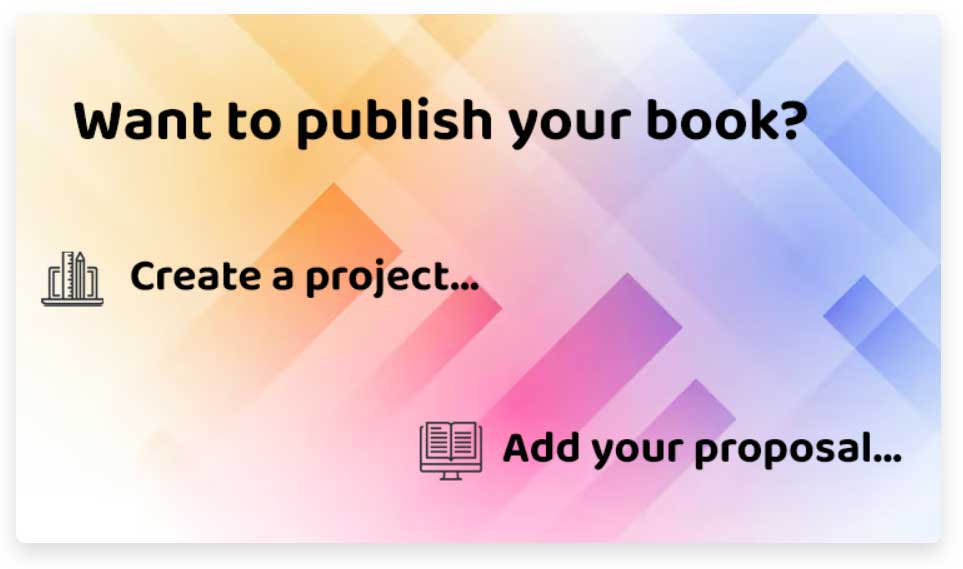
- From Homepage:
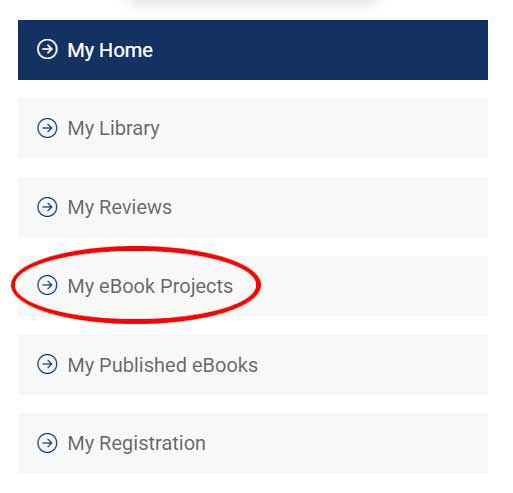
- From your Dashboard:
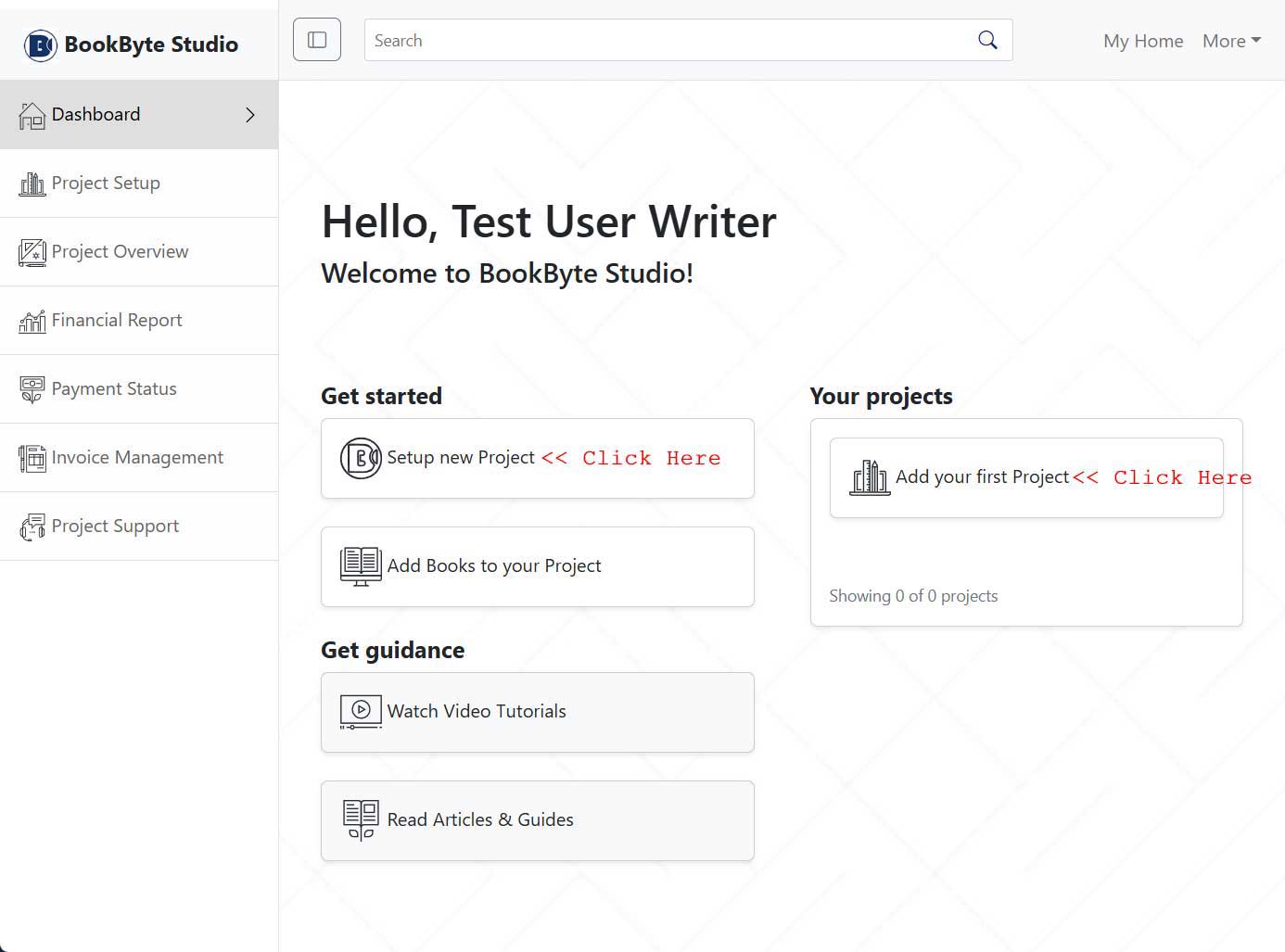
- Project Dashboard:

The project is for 1 to 20 books. You can add any number of books to the project to begin with. Later, you can increase the number of books under the project to 20.
Setup the Project
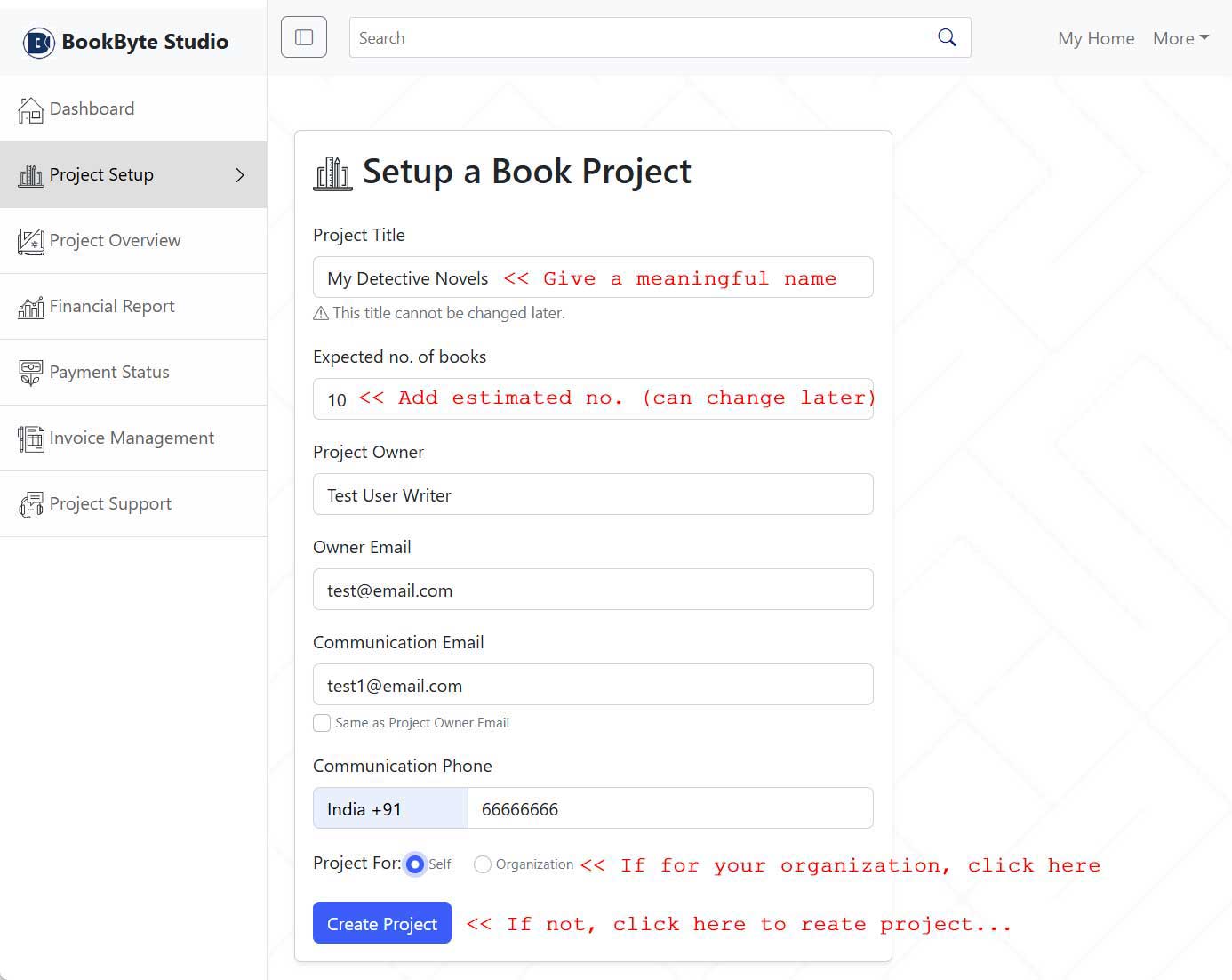
If for your organization:
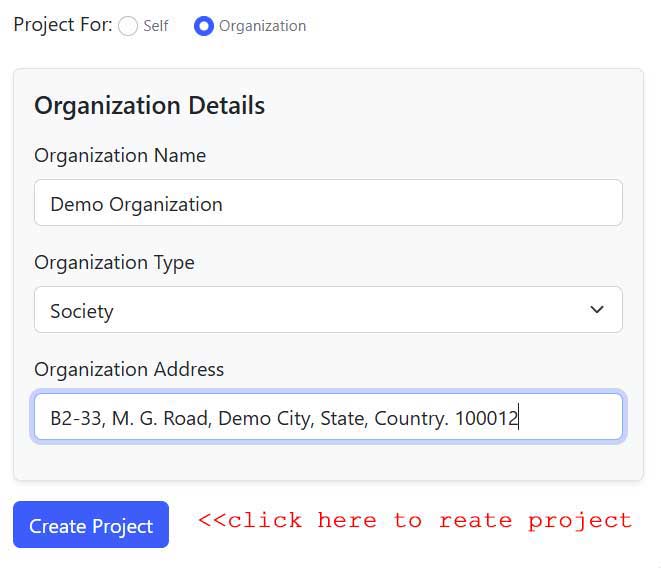
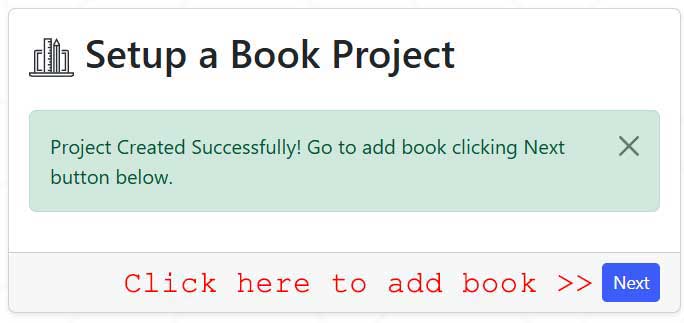
Fill in the details and click on "Create Project" to create the project. Result:
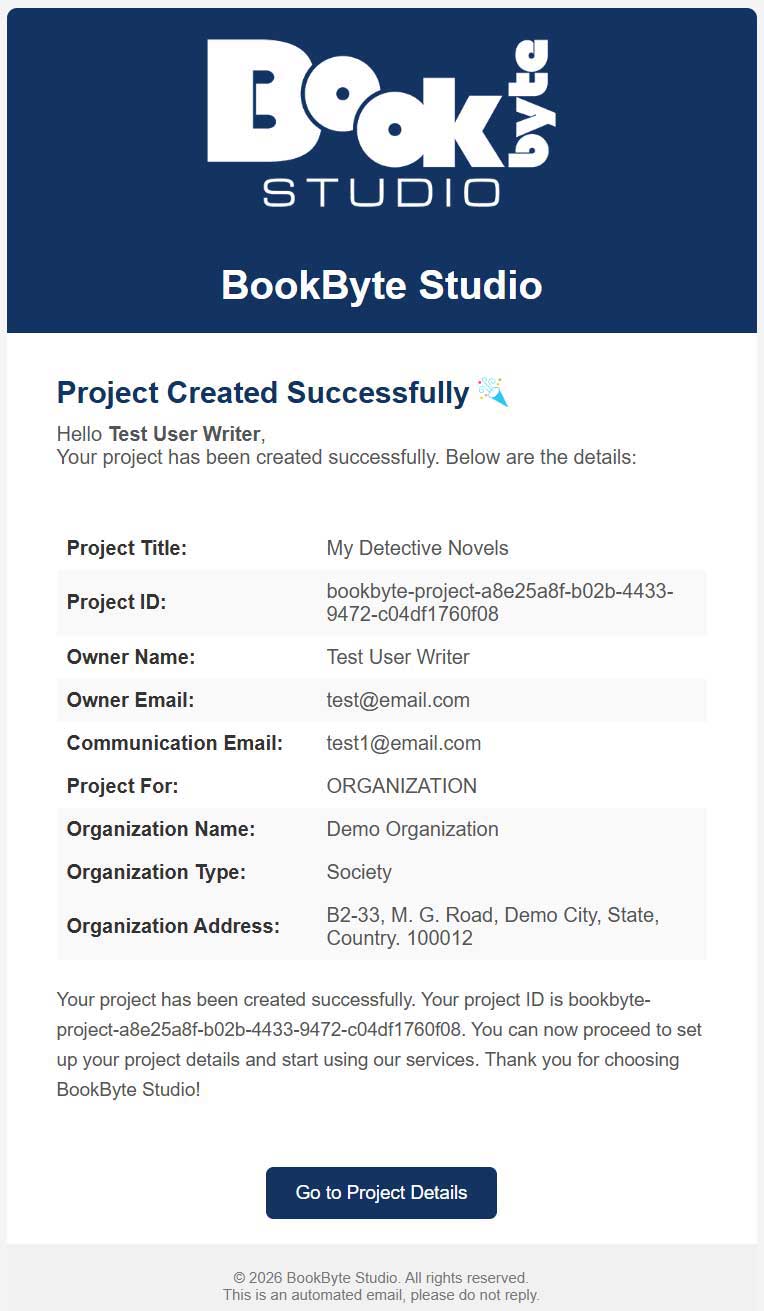
You will receive a confirmation email regarding the project creation. Like one given in the image below: